
Persian/Arabic Blogs on Hashnode
Use this trick and make your blog, RTL-support. (For right-to-left languages)
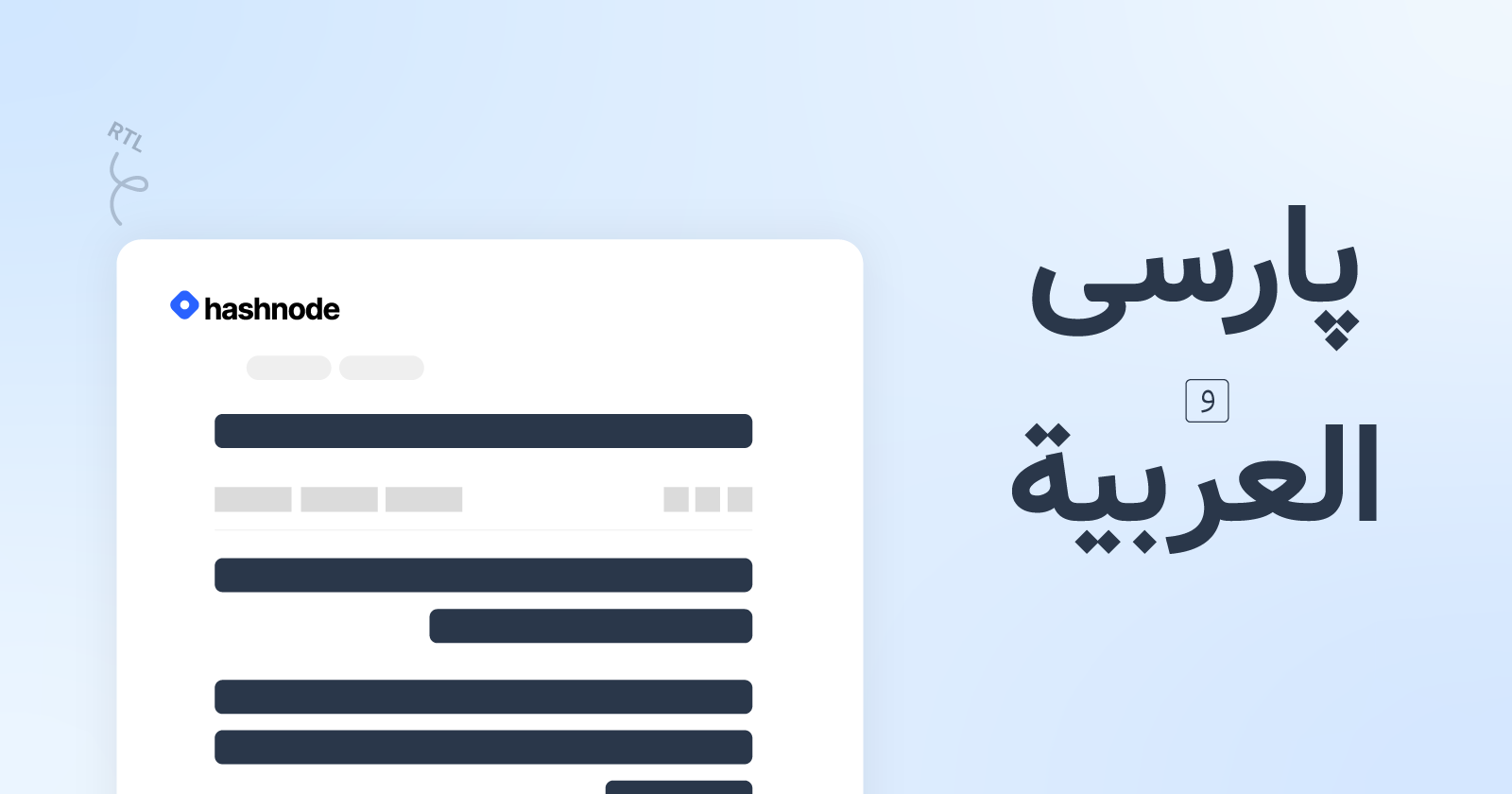
Lots of my (Persian) friends left @hashnode just because it doesn't support RTL languages for blogs. However, you can still have your custom CSS stylesheets included with your pages. Therefore, you can use CSS to make your blog RTL-friendly!
In this tutorial, we're going to use Vazir font for our blog. You can use whatever font you would like.
Here is a preview of what we're going to build at the end of the blog:
Homepage
Article Page
Note: In this method, you won't be able to write in both RTL and LTR on the same blog. You can use LTR words inline RTLs though.
Note: This method supports dark-theme.
1. Enable The "Custom CSS"
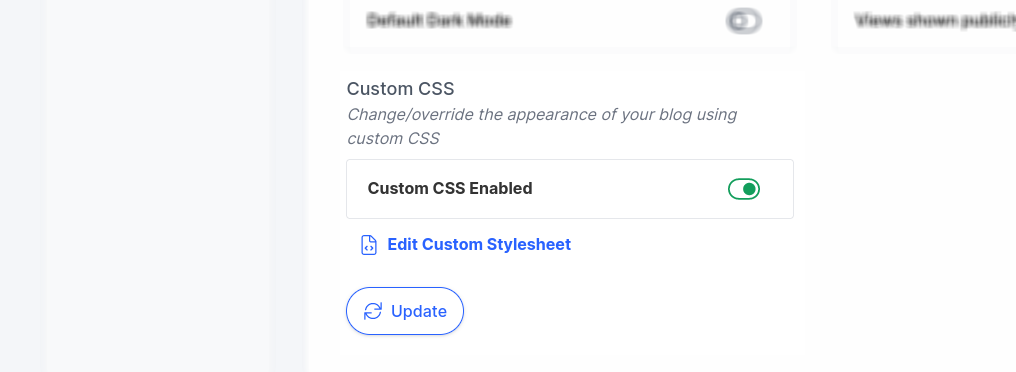
Go to Dashboard>Appearance. Scroll all the way down. You'll see the Custom CSS feature that is disabled by default. Enable it and hit "Update". Finally, click "Edit Custom Stylesheet".
2. Homepage Styling
Since we have three different homepage layouts, we need different snippets for designing the homepage. Choose the one that matches your layout. Make sure you're in the "Home" tab then paste the proper snippet. (You can check your homepage layout in "Dashboard>Appearance")
Stacked Layout & Grid Layout
@import url('https://fonts.googleapis.com/css2?family=Vazirmatn:wght@400;600&display=swap');

.blog-post-card-wrapper .blog-post-card-title , .blog-post-card-brief {
    direction: rtl;
    font-family: 'Vazirmatn', sans-serif !important;
}

.blog-post-card-wrapper .blog-post-card-meta {
    direction: rtl;
}

.blog-post-card-wrapper .blog-post-card-title {font-weight: 600}
.blog-post-card-wrapper .blog-post-card-brief {font-weight: 400}
Magazine Layout
@import url('https://fonts.googleapis.com/css2?family=Vazirmatn:wght@400;600&display=swap');

.blog-article-card-title, .blog-article-card-brief {
    direction: rtl;
    font-family: 'Vazirmatn', sans-serif !important;
}

.blog-article-card-title a {
    font-weight: 600;
}

.blog-article-card-brief a {
    font-weight: 400;
}
3. Article Styling
Switch to the "Articles" tab to style the contents of each article. For this purpose, paste the following snippet and click "Save Styles".
@import url('https://fonts.googleapis.com/css2?family=Vazirmatn:wght@300;500;700&display=swap');

[data-query="post-title"] {
    font-weight: 700;
    direction: rtl;
    font-family: 'Vazirmatn', sans-serif;
}

#post-content-wrapper :is(p, blockquote, table, h1, h2, h3, h4, h5, h6, ul, a) {
    font-family: 'Vazirmatn', sans-serif !important;
    direction: rtl;
}

#post-content-wrapper p {
    font-weight: 300;
}

#post-content-wrapper :is(h1, h2, h3, h4, h5, h6) {
    font-weight: 500;
}

.blog-post-details h1, p {
    font-family: 'Vazirmatn', sans-serif !important;
    direction: rtl;
}
Once your style is saved, hit "Publish" to apply the changes.
We're Done!
Now, hop into your dashboard and start writing in RTL languages. Once you publish the article, it'll be correctly directed and aligned in the wonderful Vazir font.
I've made a team-blog on Hashnode and applied the same implementation. You can find it in the following link.